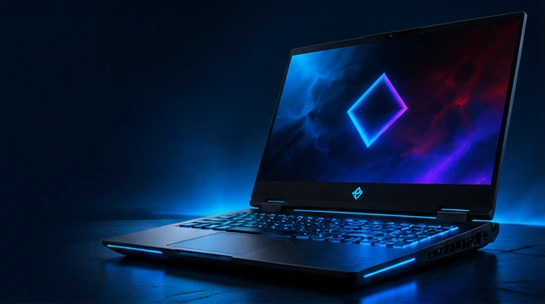
HP laptop will not power on or display an image
A lit power indicator does not prove that the computer has booted. The adapter, battery, power management, memory and display path need separate assessment. Lid detection can also be examined on relevant Victus models; it should not be assumed to explain every black screen. External display behaviour, indicator patterns and the exact product number help narrow the diagnosis.
Victus and OMEN gaming performance problems
Frame rate drops may be associated with thermal throttling, power profiles, GPU drivers or adapter capacity. Fan noise alone is not proof of failure. Compare temperatures, clock speeds and stability under equivalent loads before and after maintenance. Thermal interface materials must suit the specific cooling design.
Data and power management on EliteBook, ProBook and ZBook
Business laptops may use secure boot, disk encryption and managed settings. Recovery keys should be accessible before firmware or storage work. On USB-C charging models, the port, adapter and power negotiation require separate checks.
HP display, hinge and battery replacement
A series name may cover different panels, battery designs and chassis revisions. The product number and existing part label are more reliable than the series name alone. If the lid resists movement, avoid forcing it and have its mounting points examined.